The Best Canva Video Alternatives in 2026
Canva is the default for a reason. When you need animated video that looks like your brand in every format, these are the tools worth a look, and when to pick each.

Horațiu Foghiș · Head of Growth
· 9 min read
Keep Canva for quick posts and template edits; for animated video that looks like your brand in every format, try Adobe Express for a Canva-style editor, CapCut or VEED for clips you filmed, Biteable or Renderforest for animated templates, and loudscene for films built from your website. We compared all six on brand control, animation, formats and resizing, AI features and price, with every price checked on the vendor’s own site in September 2026.
We make loudscene, so each entry also says who should pick that tool over ours.
Where Canva works, and where it falls short#
Canva is the right tool when video is a small part of the job. It has a drag-and-drop timeline, a large library of video templates, auto captions and direct publishing to the main social networks. Magic Video turns up to ten of your clips or photos into a 60-second video, on every plan, the free one included, and free exports carry no watermark as long as you use free elements. If your team already keeps its logo and colours in Canva, a quick Reel or a sale post there is hard to beat.
It falls short on the brief this post is about: an animated film that looks like your brand in every format. Canva can animate; the catch is that you build the film yourself, piece by piece.
- Brand. The free plan’s Brand Kit holds three colours; Pro has five Brand Kits. A kit brings your colours, fonts and logo into a template, but the layout and pacing are still the template’s.
- Animation. Motion comes from Canva’s animation styles, applied to a page or an element, or picked for the whole design by Magic Animate on paid plans. Anything specific to your product, such as your own screens building up step by step, you arrange and time yourself.
- Formats. On paid plans, Magic Resize makes a copy of the design in each new size, and each use counts towards your monthly AI allowance. With animation and timing involved, you check every copy before you post.
For one post a week, that is fine. For a steady run of branded videos in four shapes, the hours add up. For a sense of what “on-brand” means in practice: the Hotel Nyota film below uses the hotel’s own photos, logo and Jost typeface from its website, and walks through its real booking steps.
The six alternatives at a glance#
Prices are the entry paid plan in US dollars, as each vendor’s pricing page showed them in September 2026. Canva is in the first row as the baseline.
| Tool | Brand control | Animation | Formats and resizing | AI features | Starts at | Best for |
|---|---|---|---|---|---|---|
| Canva | 1 Brand Kit (3 colours) free, 5 on Pro | Animation styles; Magic Animate on paid plans | Magic Resize copies each size (paid) | Magic Video, AI video clips | Free; Pro $144 a year | Quick posts, teams already in Canva |
| Adobe Express | Brand kits on Premium | Animate all; In, Out and Loop per element | One-click Resize | 250 Firefly credits a month | Free; Premium $9.99 a month | A Canva-style editor for less |
| CapCut | Brand assets in the desktop app | Effects, transitions, text templates | Auto reframe follows the subject | Auto captions, AI video, text to speech | Free; Pro varies by region | Clips you film for TikTok and Reels |
| VEED | Limited Brand Kit on Creator, full on Pro | Animated subtitles, templates | Resize for social platforms | Auto subtitles, AI avatars, Gen-AI Studio | Free; Creator $12 a user a month, billed yearly | Talking clips that need subtitles |
| Biteable | Saved brand applied to new videos | Animated templates, stock animations | 1:1, 16:9, 9:16, 4:5; switching duplicates the video | AI video builder, AI avatar clips | Pro $15 a month, billed yearly | Explainers and team updates |
| Renderforest | Colour changes on supported templates, your own fonts | Explainer, character and logo templates | Templates in widescreen, portrait or square | Many AI video models, AI voice | Free to try; Lite $8 a month, billed annually | Logo intros and explainers on a budget |
| loudscene | Brand kit read from your website | Motion written for each video's story | 16:9, 9:16, 1:1, 4:5, re-flowed, not cropped | Writes the story, checks every layout | Free; Creator $39 a month | On-brand animated video from your site |
The alternatives, one by one#
Adobe Express
The closest thing to Canva on this list. Premium adds brand kits for your logo, colours and fonts, every premium video template, the full Adobe Fonts library of 30,000+ fonts and one-click Resize for other channels. For motion, Animate all animates a whole design in one click, and each element can have its own In, Out and Loop animation. Premium includes 250 Firefly generative credits a month; text-to-video sits in the Firefly Pro plan at $19.99 a month.
Price: free plan; Premium is $9.99 a month, billed monthly (Adobe Express pricing). Pick it if you want a Canva-style editor with the full Adobe Fonts library, for less than Canva Pro.
CapCut
A free editor built for social video: templates, effects, transitions, auto captions and text to speech. Its auto reframe finds the main subject and keeps it in frame when you switch between shapes such as 16:9 and 9:16, and the desktop app keeps your logos, fonts and templates in one place. Pro adds premium effects and templates and 100 GB of cloud storage.
Price: free to start; CapCut says Pro pricing varies by region, device and promotions, so check it in the app (CapCut pricing help). Pick it if you film clips on your phone and post to TikTok and Reels often. loudscene is not built to edit footage you filmed.
VEED
A browser editor with a strong AI side. Every paid plan removes the watermark and includes auto subtitles (within a fair-use limit) and resizing for social platforms. Creator has a limited Brand Kit; Pro adds full and multiple Brand Kits and translation into 50+ languages. Its Gen-AI Studio makes AI avatar videos and clips with models such as Google Veo 3, paid for in credits.
Price: free plan; Creator is $12 per user a month, billed yearly, and Pro $22 (VEED pricing). Pick it if your videos are mostly people talking and need subtitles or other languages.
Biteable
Aimed at businesses and teams, with thousands of templates and millions of stock clips and animations. You save your brand once and Biteable applies it to new videos. It works in 1:1, 16:9, 9:16 and 4:5; changing the shape of a video you started makes a copy, and Biteable’s own help says you will likely need to rearrange a few assets. It also has an AI video builder and AI avatar clips (20 a month on Pro).
Price: Pro is $15 a month, billed yearly, or $29 month to month (Biteable pricing). Pick it if you make explainers or team updates of several minutes: Pro allows videos up to 10 minutes, and loudscene stops at 90 seconds.
Renderforest
A big library of animation templates: explainers, whiteboard and character animation, and 2D and 3D logo intros, in widescreen, portrait or square. Some templates let you change colours to match your brand, and paid plans let you upload your own fonts. It also runs many generative video models, including Veo 3.1 and Kling 3.0, on one credit balance, and makes logos and websites too.
Price: free to try; Lite is $8 a month, billed annually, with 720p template exports, and 1080p starts on Pro at $19 (Renderforest pricing). Pick it if you need a logo reveal or an intro quickly and cheaply.
loudscene
Our tool. You paste your website; loudscene reads your colours, fonts, logo, images and words, writes a short story for your brand and animates it in 16:9, 9:16, 1:1 and 4:5. Each video is written for its story rather than filled into a template, and the layout re-flows for each format instead of being cropped. Every scene is checked for text that is cut off, too small, overlapping or low in contrast, and every word, number and colour stays editable in the browser.
The limits are real. Videos run from 6 to 90 seconds, commercial fonts we cannot license are swapped for the closest open font, and it is not a footage editor. It is also new and still in beta, and anyone can make a free preview on /try before signing up.
Price: free plan with one video a month at 720p and a small watermark (the first export is free in 1080p, without one); Creator is $39 a month, or $31.20 a month billed yearly (plans). Pick it if you want animated videos that look like your brand in every format, without building each one by hand.
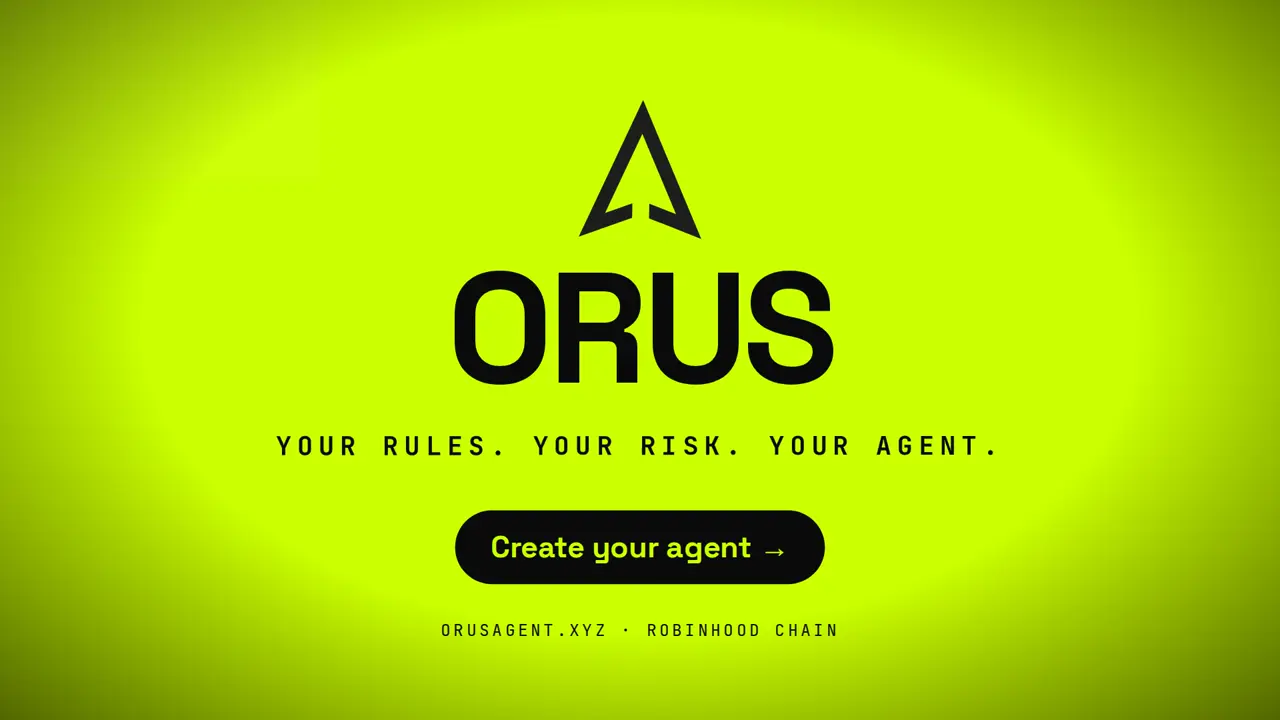
The Orus film below shows the idea: the palette, fonts, mark and mountain imagery come from their site, and the numbers on screen are the live figures and decision log published there.
Which one to pick#
- You already design in Canva and post a few videos a month: stay. Pro’s Brand Kits and Magic Resize cover it.
- You want a Canva-style editor for less: Adobe Express Premium.
- You film clips for TikTok and Reels: CapCut, free to start.
- Your videos are people talking and need subtitles: VEED.
- You make explainers or team updates of several minutes: Biteable.
- You need a logo intro on a tight budget: Renderforest.
- You want short animated videos that look like your brand in all four formats: loudscene.
Whichever you pick, lay each format out on its own rather than letting a platform crop one file; our Facebook and Instagram ad specs show which shape goes where. To see what your site already gives a video, read how to turn your website into a video, or browse our templates. Weighing avatars and generated footage too? Our comparison of AI video generators for small business covers them.
How we compared#
We make loudscene, so read this list with that in mind. We tried to keep it useful anyway: each tool is judged on the job it is built for, and each entry says who should choose it over us.
We looked at five things that decide whether a video looks like your brand: brand control (how your colours, fonts and logo get in), animation (what moves, and who decides how), formats (how one video becomes 9:16, 4:5, 1:1 and 16:9), AI features and price. Every feature and price comes from the vendor’s own pricing, product or help pages, including Canva’s pricing page. We also looked at Kapwing, Animoto and Visme, and left them out to keep the list to six.
Questions
Asked often.
What is the best free alternative to Canva for video?
CapCut is a strong free option for editing clips you filmed, and Adobe Express has a free plan with video templates. For animated video made from your website, loudscene's free plan includes one video a month at 720p with a small watermark, and the first export is free in 1080p.
Is Canva good for animated video?
Yes, for short template-based posts: it has animation styles, a timeline and, on paid plans, Magic Animate and Magic Resize. It takes more manual work when you want a film that looks like your brand in every format, because you build and check each version yourself.
How much does Canva Pro cost in 2026?
In September 2026, Canva's US pricing page listed Pro at US$144 a year for one person and Business at US$250 a year per person. Prices differ by country, so check Canva's pricing page for yours.
Which Canva alternative keeps videos most on-brand?
Adobe Express and VEED keep brand kits on paid plans, and Biteable applies a saved brand to new videos. loudscene builds the brand kit from your website and uses it in every scene and every format.
Can I use Canva alongside another video tool?
Yes. Keep Canva for graphics and quick edits, and use a second tool for the video work it is slower at, such as CapCut for footage or loudscene for animated brand films.