Best AI Video Generators for Small Business (2026): An Honest Comparison
AI video tools now range from talking avatars to full motion design. We compared the ones a small business would actually use, including where ours is not the right pick.

Horațiu Foghiș · Head of Growth
· 9 min read
The best AI video generator for a small business depends on the video: HeyGen or Synthesia for a presenter talking to camera, Pictory or invideo AI to turn a script or blog post into a video, Runway or Google’s Gemini Omni for short generated shots, CapCut or Descript to edit footage you filmed, and loudscene for animated, on-brand videos made from your website. Below we compare what each does best, what it costs to start, what the output looks like and who should pick which, with prices checked on each vendor’s site in September 2026.
We make loudscene, so we also spell out where it is the wrong choice.
Five kinds of AI video tool#
“AI video generator” now covers tools that do very different jobs. Choose the kind of video first, then the brand of tool.
| Kind | You give it | You get | Examples |
|---|---|---|---|
| Avatar presenters | A script | A digital presenter reading it, in many languages | Synthesia, HeyGen |
| Script or blog to video | A script, an article or a link | Scenes of stock or generated footage, with voice and captions | Pictory, invideo AI |
| Generated clips | A prompt or an image | A short shot made from scratch | Runway, Google Gemini Omni |
| Editors with AI | Footage you filmed | A faster edit: captions, cuts, reframing | CapCut, Descript |
| Website to branded motion | Your website | Animated motion graphics in your colours, fonts and logo | loudscene |
Three questions narrow it down quickly:
- Does the video need a person on screen? Then an avatar tool, or your own camera and an editor.
- Do you already have the words? A script, an article or a website is most of a video, so start with a tool that reads it.
- Where will it run? Feeds and ads want 9:16, 4:5 or 1:1 as well as 16:9, so check which formats a tool exports before you pay. Our Facebook and Instagram ad specs list which shape goes where.
Most small businesses need two of these tools at most: one for the videos they post every week, and sometimes a second for a special job, such as a training video with a presenter.
Avatar presenters: Synthesia and HeyGen#
Best at: a person explaining something, with no camera. You write a script, pick a stock avatar or create one of yourself, and get a presenter video you can translate. Training, onboarding, how-to and support videos are the natural fit.
- Synthesia has a free plan. Starter costs $14 a month billed yearly, or $19 month to month, with 125+ stock avatars, AI dubbing, downloads without the Synthesia logo and, on yearly billing, credits for up to 120 minutes of video a year (Synthesia pricing).
- HeyGen’s free plan makes up to three videos a month, each up to a minute long. Creator costs $29 a month, or $24 a month billed annually, with 1080p export, voice cloning and 175+ languages and dialects; Pro, from $49, exports in 4K (HeyGen pricing).
Output: a presenter speaking your script to camera, in the language you choose. Watch a sample in your own language before you commit. Pick one if your video needs a face and a voice. loudscene is not the right pick here: it makes motion graphics, not presenters.
Script and blog to video: Pictory and invideo AI#
Best at: turning words you already have into a video quickly. Paste a script, an article or a link; the tool splits it into scenes, finds or generates footage, and adds an AI voice and captions.
- Pictory starts from text, blog posts, scripts, slides, images or a URL, with stock footage from Getty Images and Storyblocks and ElevenLabs voices. Starter costs $25 a month billed annually, or $29 month to month, and includes a brand kit for your fonts, colours and logo (Pictory pricing).
- invideo AI now calls itself an agentic video editor. It turns a script or an idea into a shot-by-shot plan, generates the footage with models such as Seedance, and lets AI agents edit on a real multitrack timeline you can take over. Starter is $20 per seat a month, with 400 credits (invideo AI pricing).
Output: scenes of stock or generated footage under your words, so check that each shot fits the line it sits under, and upload your own product shots where they matter. Pick one if you publish articles or scripts and want a video version of each. loudscene can also start from an article, but it turns it into animated graphics in your brand, not footage.
Generated clips: Runway and Google Gemini Omni#
Best at: shots that would be expensive or impossible to film. Describe a scene or upload an image, and the model makes a short clip, often with sound. A generated clip is a shot, not a finished ad: you still add your logo, offer and captions, and edit the shots together.
- Runway gives new accounts 125 one-time credits. Standard costs $12 a month billed annually, or $15 month to month, for 625 credits a month, which Runway puts at about 52 seconds of its Gen-4.5 model. It also runs other models, such as Kling 3.0, with no watermark and 4K upscaling (Runway pricing).
- Google is replacing Veo with Gemini Omni in the Gemini app. Omni makes 10-second videos with native audio, and you can edit them by chat. Video generation starts with Google AI Plus at $4.99 a month; Google AI Pro, at $19.99, adds the full Flow filmmaking tool with 1,000 Flow credits a month (Google AI plans, Gemini Omni).
OpenAI’s Sora is no longer an option: OpenAI closed the Sora app and website on 26 April 2026 and the Sora API on 24 September 2026 (OpenAI help centre).
Output: short, cinematic clips; every prompt gives a different result, so budget credits for several attempts per shot. Pick one if you need a scene you cannot film, such as your product somewhere you cannot take it. loudscene is not the right pick here: it animates your brand, it does not generate footage.
Editors with AI: CapCut and Descript#
Best at: footage you already have. These are video editors first, with AI that takes over the slow parts: captions, cutting, reframing and cleaning up sound.
- CapCut is free to start and built for social video, with templates, auto captions, text to speech and an auto reframe that keeps the main subject in frame when you change the shape. Pro adds premium effects, templates and 100 GB of cloud storage; CapCut says its price varies by region, device and promotions (CapCut pricing help).
- Descript lets you edit a video by editing its transcript, like a document. It has a free plan; Hobbyist costs $16 a month billed annually, or $24 month to month, and exports 1080p without a watermark, with AI tools such as Studio Sound, filler-word removal and its Underlord co-editor. Creator adds 4K (Descript pricing).
Output: your own footage, tidier and quicker to publish. Pick one if you film interviews, podcasts, tutorials or behind-the-scenes clips. loudscene is not the right pick for this either: it is not a footage editor.
Website to branded motion: loudscene#
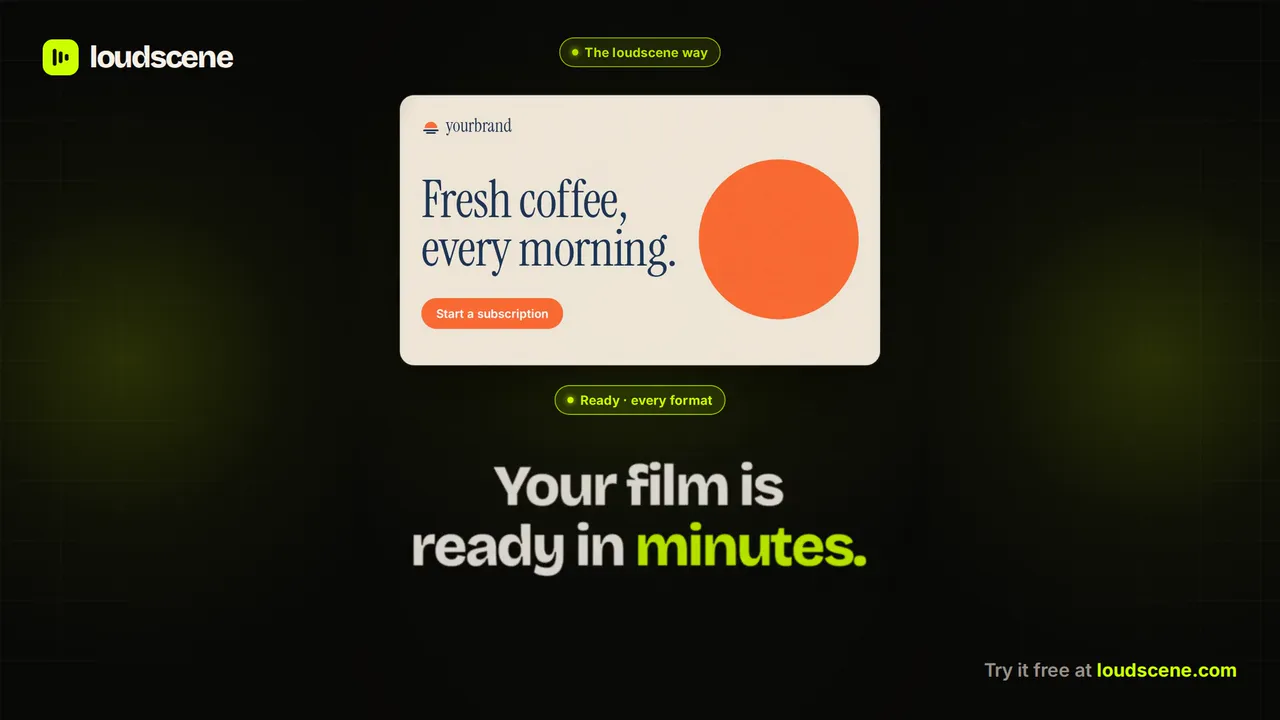
Best at: short animated videos that look like your brand, when your website already says what you do. You paste your link; loudscene reads your colours, fonts, logo, images and words, writes a short story and animates it in 16:9, 9:16, 1:1 and 4:5. It is told to use only facts from your site and brief, flags numbers it could not find, and checks every scene for text that is cut off, too small, overlapping or hard to read. Every word, number and colour stays editable in the browser.
The film at the top of this post is a 30-second tutorial we made for Premier Optic’s staff training app: sign in, pick up where you left off, take the lessons, pass the quiz, each step on the real app screen, in the Academy’s owl mascot and warm palette. Below, Nextry’s film puts real figures from its ad accounts on screen, and the fomo film rebuilds a trading app’s buy flow as a live phone demo.
Price: a free plan with one video a month at 720p and a small watermark (the first export is free in 1080p, without one); Creator costs $39 a month, or $31.20 a month billed yearly, for four videos a month in 1080p with AI voice-over. One credit covers a video of up to 60 seconds in every format (plans).
Where it is not the right pick: a talking presenter (use HeyGen or Synthesia), editing footage you filmed (CapCut or Descript), cinematic generated shots (Runway or Gemini Omni), or anything longer than 90 seconds, its maximum. Commercial fonts it cannot license are swapped for the closest open font. It is also new and still in beta, and anyone can make a free preview on /try before signing up.
Prices at a glance, and how we compared#
| Tool | Kind | Paid plans from | Pick it for |
|---|---|---|---|
| Synthesia | Avatar presenter | $14 a month, billed yearly | Training and how-to videos with a presenter |
| HeyGen | Avatar presenter | $24 a month, billed annually | Talking-head videos and translation |
| Pictory | Script to video | $25 a month, billed annually | Articles and scripts as stock-footage videos |
| invideo AI | Script to video | $20 per seat a month | Scripts into generated, edited videos |
| Runway | Generated clips | $12 a month, billed annually | Cinematic shots and B-roll |
| Google AI Plus | Generated clips | $4.99 a month | Short clips with sound, in Gemini |
| CapCut | Editor with AI | Varies by region | Social clips you filmed |
| Descript | Editor with AI | $16 a month, billed annually | Editing talking footage as text |
| loudscene | Website to motion | $39 a month | On-brand animated videos from your site |
Most of these tools now sell credits rather than videos, and a credit buys something different in each. At Runway, 625 credits come to about 52 seconds of Gen-4.5; at Synthesia, Starter’s yearly credits cover up to 120 minutes of presenter video; at loudscene, one credit is one video of up to 60 seconds in every format. Work out what a finished video costs you, not just the plan.
We make loudscene, and we wrote this with that bias in view: each tool is described by the job it does best, and the loudscene section says plainly where it is the wrong choice. Every feature and price comes from the vendor’s own pricing, product or help pages. For animated alternatives to design tools, see our Canva video alternatives; to plan a video from your site, read how to turn your website into a video.
Questions
Asked often.
Do AI video generators have free plans?
Most do. Synthesia, HeyGen, CapCut, Descript and loudscene have free plans, and Runway gives new accounts 125 one-time credits. Free plans usually limit length, resolution or downloads, or add a watermark, so check an export before you rely on one.
Which AI tool makes a talking-head video without filming?
An avatar tool such as HeyGen or Synthesia. You write the script, choose a stock avatar or create one of yourself, and export a presenter video, with translation into many languages on both.
Which AI video tool is best for social media ads?
Start from what the ad has to show. For your product and offer in your own brand, loudscene makes 9:16, 4:5, 1:1 and 16:9 from one video; for footage you filmed, CapCut reframes it for each shape; for a spokesperson, use HeyGen or Synthesia.
Can AI make a video from my website?
Yes. loudscene reads your site's colours, fonts, logo, images and words and turns them into a short animated video in 16:9, 9:16, 1:1 and 4:5. Pictory can also start from a URL, building scenes from stock and AI visuals that you can style with its brand kit.
Is OpenAI's Sora still available?
No. OpenAI's help centre says the Sora app and website closed on 26 April 2026 and the Sora API on 24 September 2026. For generated clips, look at Runway or Google's Gemini Omni instead.