Facebook & Instagram Video Ad Specs (2026): 9:16, 4:5, 1:1 or 16:9?
Meta shows the same ad in feeds, Stories and Reels, and each crops it differently. Here is which ratio goes where, and how to make one master that fits them all.

Horațiu Foghiș · Head of Growth
· 8 min read
Use 9:16 for Stories, Reels and Instagram Feed video, 4:5 for Facebook Feed, 1:1 for Marketplace, search results and the right column, and 16:9 for in-stream. Meta recommends 1440 × 2560 for Stories and Reels and 1440 × 1800 for Facebook Feed, and every placement takes MP4 or MOV files up to 4 GB.
You do not need a separate production for each shape. This guide lists what Meta asks for in each placement, checked September 2026, then the safe zones, how we cover every placement from one 9:16 master, and the Ads Manager steps to match.
Which ratio goes where#
Checked September 2026 against Meta’s Ads Guide and its help pages on supported aspect ratios, video length and placements.
| Placement | Ratio | Recommended size | Length |
|---|---|---|---|
| Facebook Feed | 4:5; on computers, video shows as 1:1 | 1440 × 1800 | 1 s to 241 min |
| Instagram Feed | 9:16 for video; 4:5 and 1:1 also run | 1080 × 1920 | 1 s to 60 min |
| Instagram Stories | 9:16 | 1440 × 2560 | 1 s to 60 min |
| Facebook Stories | 9:16 | 1440 × 2560 | 2 or 3 min, depending on the page: check the current limit |
| Instagram Reels | 9:16 | 1440 × 2560 | Up to 15 min |
| Facebook Reels | 9:16 | 1440 × 2560 | No maximum listed |
| Ads on Facebook Reels (after a reel loops) | 1:1 | 1440 × 1440 | 4 to 15 s |
| In-stream | 16:9 or 1:1 in the Ads Guide; 4:5 in the newer ratio table | At least 1080 × 1080 | 5 to 15 s on computers, up to 10 min on mobile |
| Right column (computers only) | 1:1; Meta’s ratio table prefers 1.91:1 | 1440 × 1440 | 1 s to 241 min |
| Marketplace | 1:1 | At least 1080 × 1080 | 1 s to 241 min |
| Facebook search results | 1:1 | At least 1080 × 1080 | 1 s to 241 min |
| Instagram Explore home | 9:16 | 1080 × 1920 | 1 s to 60 min |
Two rows carry a warning, because Meta’s own pages disagree. For in-stream, the Ads Guide lists 16:9 or 1:1, while the newer ratio table, which calls the placement in-stream reels, recommends 4:5 for video. For Facebook Stories, one help page says up to 120 seconds and the Ads Guide says 3 minutes. Check the preview in Ads Manager before you rely on either.
Two details catch people out. Meta recommends 9:16, not 4:5, for Instagram Feed video, and most of its recommended sizes are 1440 pixels wide. Files 1080 pixels wide still clear every minimum.
File, encoding and length limits#
- File size: up to 4 GB in every placement.
- File type: MP4 or MOV everywhere. Most placements also take GIF; Instagram Reels and ads on Facebook Reels do not.
- Encoding: H.264, square pixels, a fixed frame rate, progressive scan and stereo AAC audio at 128 kbps or more, with no edit lists in the file.
- Minimum width: 120 pixels in Facebook Feed, Marketplace and search, 250 in Stories and on Instagram, and 500 for Instagram Reels ads of 30 seconds or more. These are floors, not targets.
Length changes how an ad plays, not only whether it uploads. Instagram Stories play ads under 16 seconds in full and may split longer ones into cards; Facebook Stories do the same above 15 seconds. In-stream plays the first 15 seconds, then shows a card the viewer can tap to see the rest, and it may let people skip after 5 seconds.
So if Stories or in-stream carry real budget, put the offer and the address in the first 15 seconds, or cut a version that ends there.
Safe zones in Stories, Reels and feeds#
In Stories and Reels, the profile icon, the caption and the call-to-action sit on top of your video. For Instagram Stories, Instagram Reels and Facebook Reels, the Ads Guide asks you to keep about 14% of the top, 35% of the bottom and 6% of each side free of text and logos. At 1080 × 1920 that is roughly 270 pixels at the top, 670 at the bottom and 65 at each side. Facebook Stories asks for less: 250 pixels at the top and 340 at the bottom.
- A 9:16 video in Instagram Feed follows the same safe zone as Reels and Stories.
- In 4:5 or 1:1 feed ads, keep the bottom and side edges clear.
- On phones taller than 9:16, Meta may zoom in, which crops the edges, or add black bars.
- If a Reels ad carries a disclaimer, Meta asks for the bottom 40% to be clear.
Ads Manager can draw the zone for you: turn on the safe zone guardrail and it appears as a yellow overlay on your creative. The details are on Meta’s page about text overlays and the safe zone.
One master for every placement#
Our own Meta ads are built for Reels and Stories, so each one starts as a single 9:16 master at 1080 × 1920. The other shapes are cut from it, and that only works because of one layout rule: everything important sits between y 280 and y 1530 of the 1920-pixel frame, a band 1,250 pixels tall.
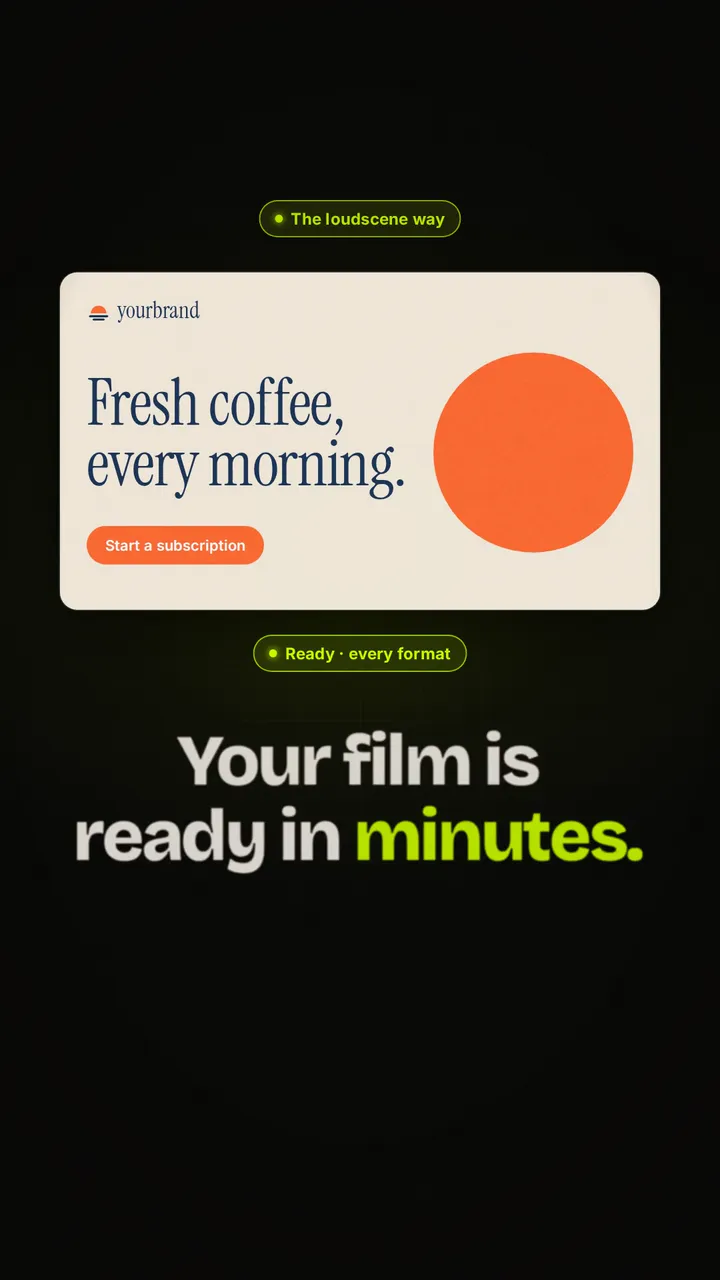
- 4:5 is a crop. A 1080 × 1350 window centred on the band, from y 230 to y 1580, holds all of it. That is the Facebook Feed cut at the top of this post, and it loses nothing.
- 16:9 is a frame. The same 4:5 picture, scaled to 864 × 1080, sits in the middle of a 1920 × 1080 background in our colours, with the wordmark top left and the address bottom right.
- The sound is copied untouched, so every version plays at the same −14 LUFS.
The same master as the 4:5 cut at the top of this post: the 9:16 original, and the 16:9 version with the 4:5 picture set on our own background.
The band has one limit. We drew it around the Stories margins, and Reels asks for more room at the bottom: its 35% starts at y 1248. If Reels carries most of your budget, keep the words above that line.
A square needs its own layout. A 1:1 frame is 1080 pixels tall, shorter than the band, so a square crop would cut into it. For Marketplace, search, the right column and ads on Facebook Reels, lay the video out again. Proof Hunters’ burn announcement was made square from the start, with the buyback loop drawn as one pipeline and the on-chain receipts on screen.
Inside loudscene there is no cutting: each video lays itself out again for 9:16, 4:5, 1:1 and 16:9 from the same version, as the formats docs explain, and you can try it on your own site without an account. For the story itself, read how to turn your website into a video.
Setting it up in Ads Manager#
With Advantage+ placements, which Meta recommends, one ad can show in all of these places. Give it a file for each shape rather than letting Meta improvise. In 2026 there are two ways to do that.
- 1
Add every version to one ad
In the newer media workflow, where your account has it, you can upload up to 10 images or videos for a single ad. An aspect ratio view lists the square, vertical, portrait and horizontal versions the ad needs, and lets you preview each one and switch it on or off.
- 2
Or replace per placement group
In the original asset customisation workflow, the Crop screen has a Replace option for each placement group: Feeds, in-stream reels, Stories and Reels, apps and sites, and right column and search results. Give Feeds the 4:5 and Stories and Reels the 9:16.
- 3
Check what Meta fills in
Leave a ratio out and Meta fills the gap with padding, cropping, media expansion or other AI features, and flexible media can send a file to placements it was not made for. Meta says it can spot cropped text in images but currently not in videos, so read every preview.
- 4
Opt out to restrict delivery
A crop does not stop a file from showing elsewhere. To keep a version out of a placement, turn that placement off.
Sources: Meta’s help pages on aspect ratios and media customisation, customising creative for placements and flexible media.
Captions and sound#
Meta lists captions as optional but recommended in feeds, Stories, Reels and in-stream, and sound as optional but strongly recommended in Reels and in-stream. When you edit a placement, Ads Manager can generate or upload captions. The Ads Guide notes that Facebook Reels ads do not support auto captioning, so the words that matter belong in the picture.
Our ads carry no caption track. Each spoken line appears once as animated text, timed to the voice, so the ad reads the same with the sound off. For music, Meta says Reels ads should not contain licensed music; use original audio or the Meta Sound Collection. For TikTok and YouTube Shorts, see our Reels, TikTok and Shorts specs.
Questions
Asked often.
What is the best aspect ratio for Facebook and Instagram video ads?
9:16 for Stories, Reels and Instagram Feed video, and 4:5 for Facebook Feed. Meta recommends 1440 × 2560 for Stories and Reels and 1440 × 1800 for Facebook Feed; on computers, Facebook Feed shows video as 1:1.
Can one video run in every Facebook and Instagram placement?
Yes, but give the ad at least a 9:16 and a 4:5 version. Meta fills missing ratios with cropping, padding or media expansion and does not check videos for cropped text, so review each placement’s preview.
How long can a Facebook or Instagram video ad be?
Up to 241 minutes in Facebook Feed, 60 minutes in Instagram Feed and Stories, and 15 minutes in Instagram Reels. In-stream takes 5 to 15 seconds on computers, and Stories may split ads longer than 15 seconds into cards.
What is the maximum file size for a Meta video ad?
4 GB in every placement. Meta recommends MP4 or MOV with H.264 video, stereo AAC audio at 128 kbps or more, a fixed frame rate and no edit lists in the file.
Where should text go in a Reels ad?
In the middle. Meta asks you to keep about 14% of the top, 35% of the bottom and 6% of each side free of text and logos, which at 1080 × 1920 leaves roughly y 270 to y 1248 and x 65 to x 1015.